
Description
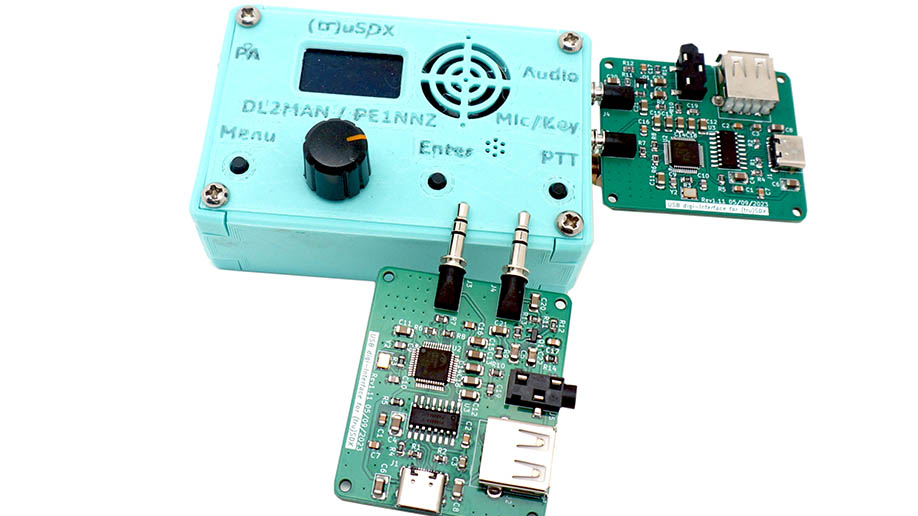
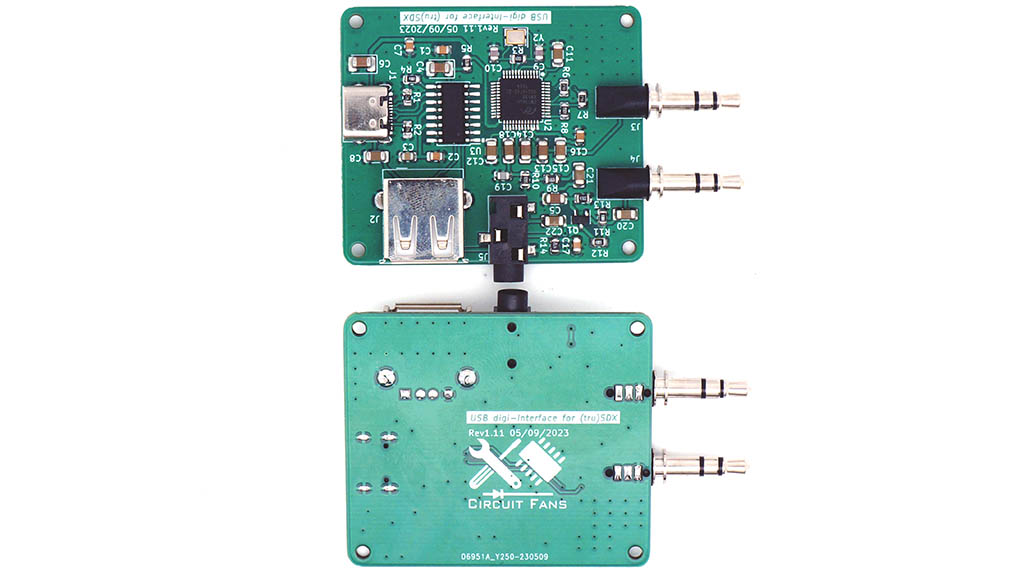
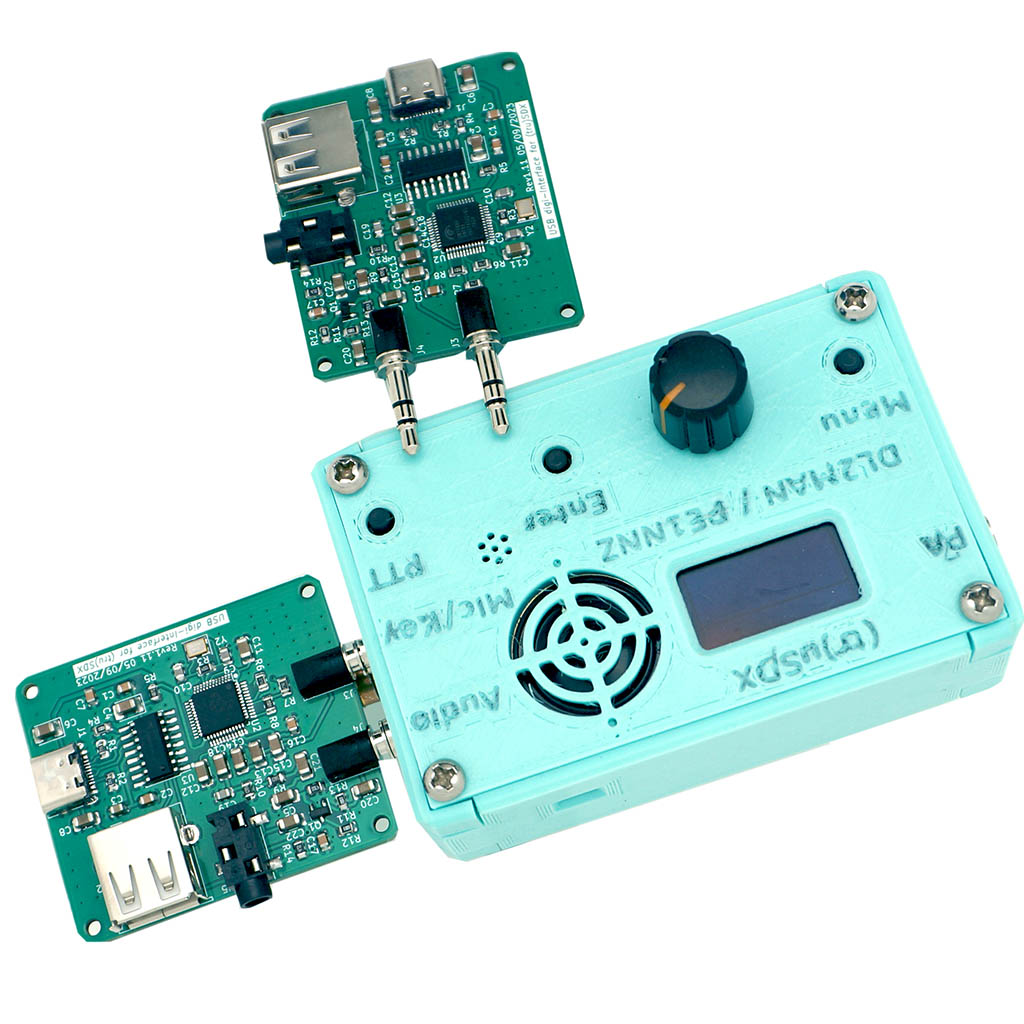
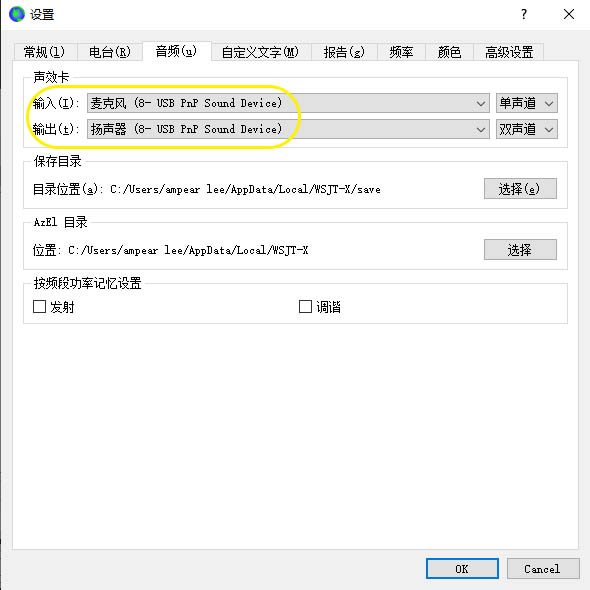
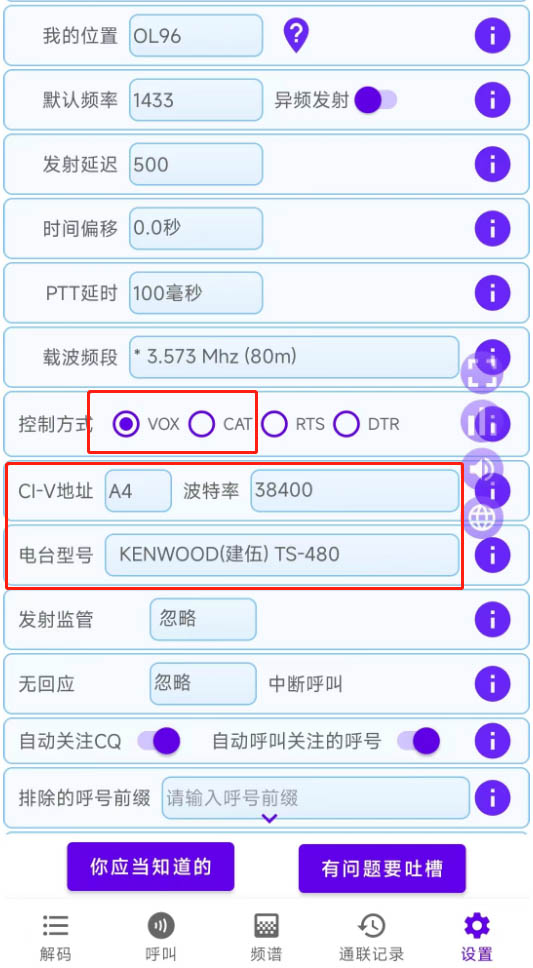
This is an external sound card board for truSDX. The board could be mounted directly on your truSDX, and the connection to your PC, tablet or phone is done by USB-C cable. Equipped with this digi interface board, you are able to work FT8, FT4, WSPR or other digi modes without disturbing your PC’s internal sound card. The truSDX digi interface features direct mounting, CAT control(optional by a microUSB to your truSDX) and one USB Type-C connection to your PC or tablet(cellphone). The truSDX digi interface is compatible wsjtx and ft8cn apps.
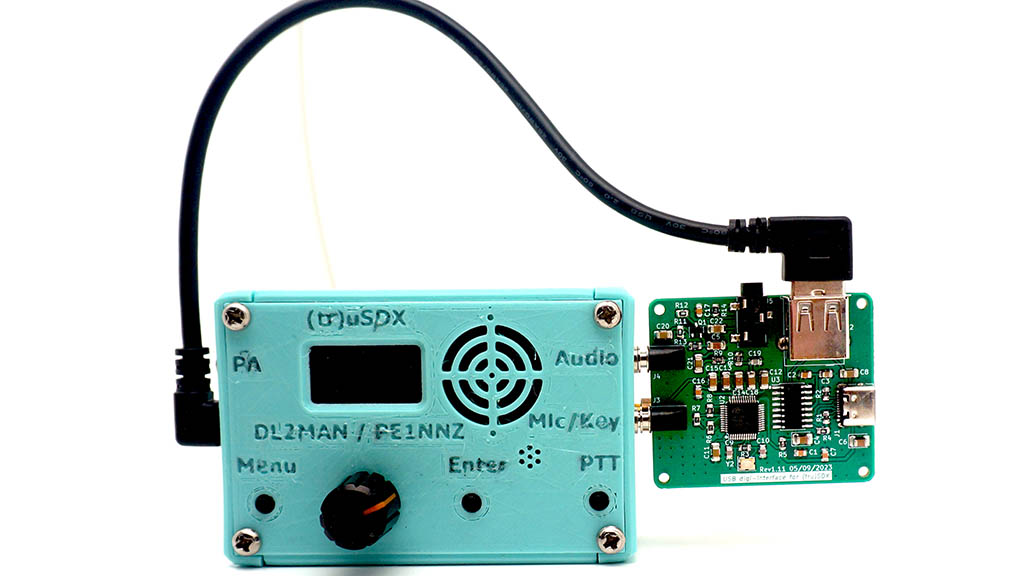
Note: No microUSB cable incuded, if you need the CAT feature, you have to prepare a microUSB cable with one end to your truSDX radio and the other end to the USB Type-A socket on our board. Just as we did in the following pictures.
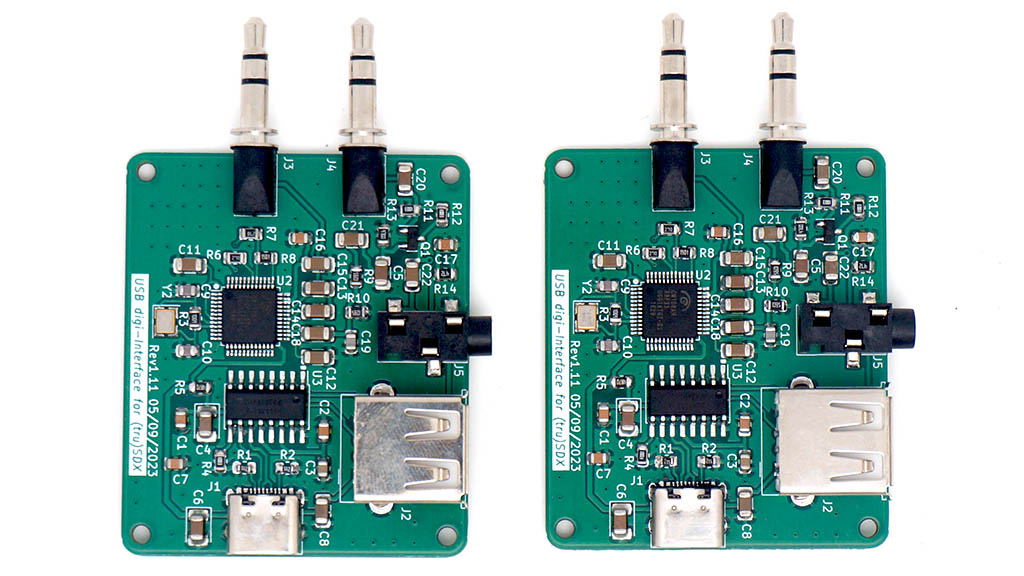
Features:
- Compatible with FT8CN, which makes it possible for FT8 from your tablet or cellphone.
- One Cable Connection, optional CAT control by additional microUSB cable to your truSDX.
- Mounting directly on your truSDX by two 3.5mm stereo connectors.
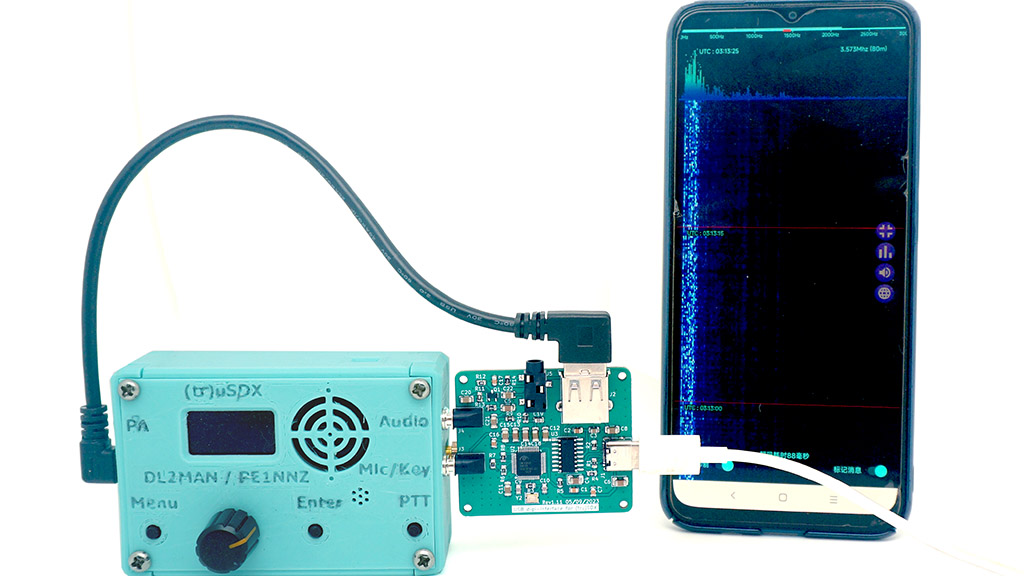
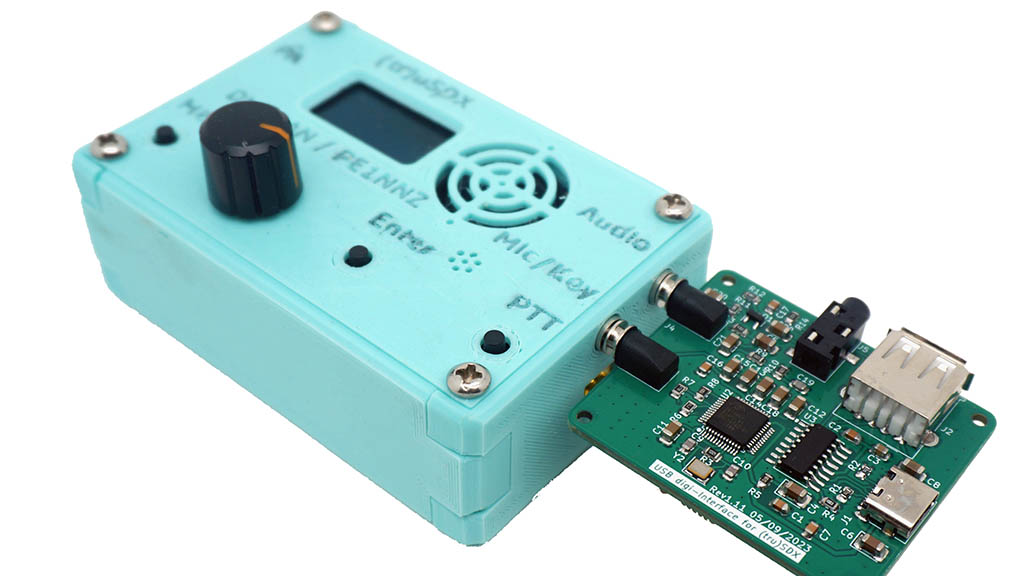
Package Contents:
- truSDX digi Interface Board x 1
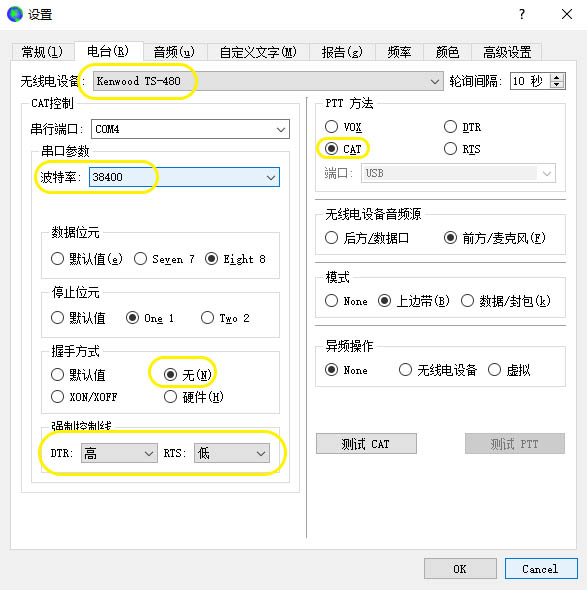
This makes digital modes with my (tr)usdx extremely easy. I used to spend so much time and effort messing around with other ways, but the fact that this combines the audio and CAT control in one unit makes it an easy buy. When buying a micro usb cable, DON’T buy one with a right-angled USB-A connector like the one shown in the pictures. If you look closer to can see that this blocks a 3.5mm jack. I’m also not sure what that jack is for.